Home › Prompts › Aesthetic & Y2K › Mocha Brown Aesthetic Portrait
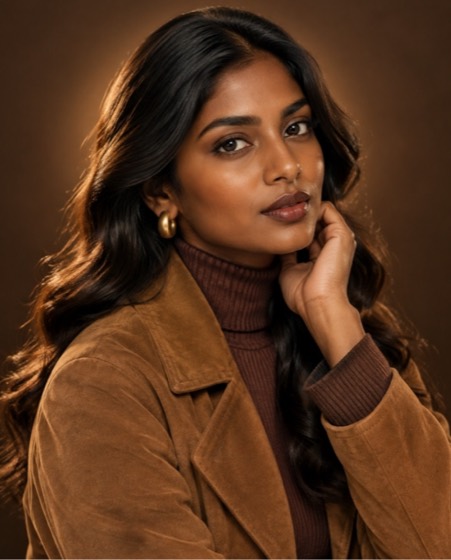
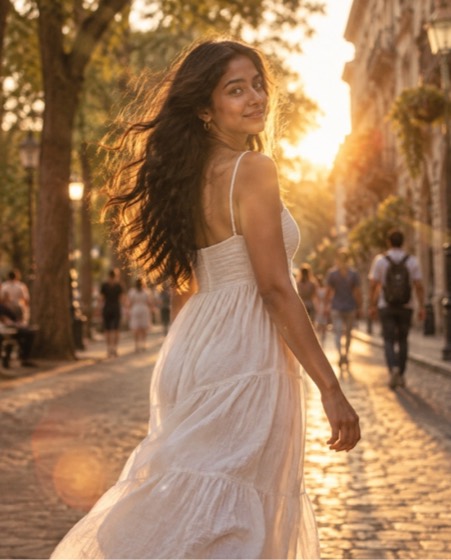
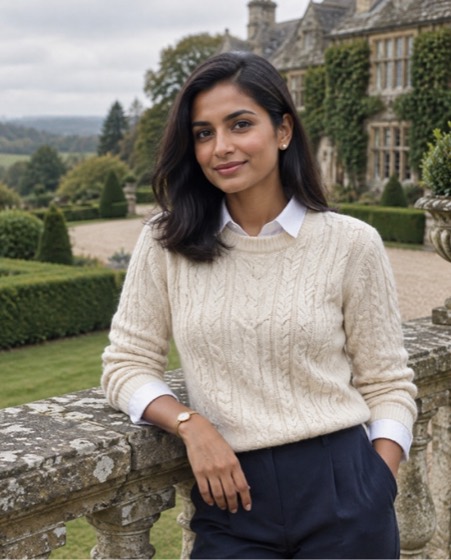
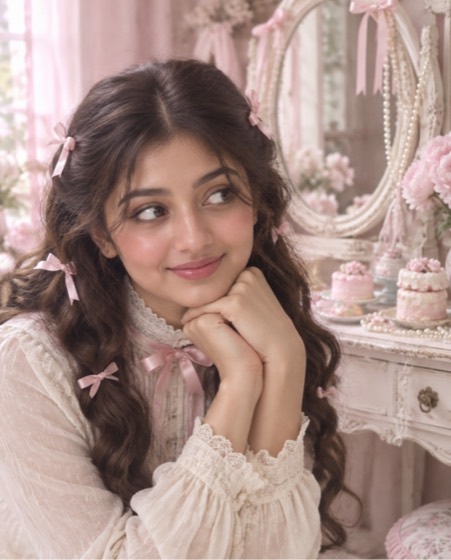
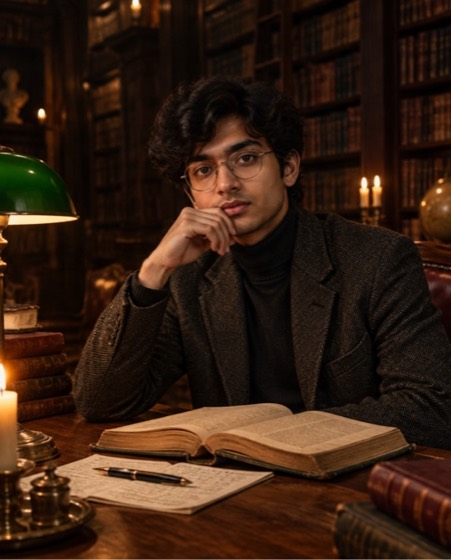
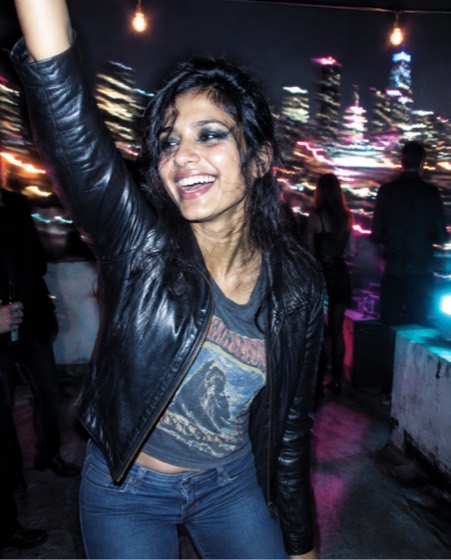
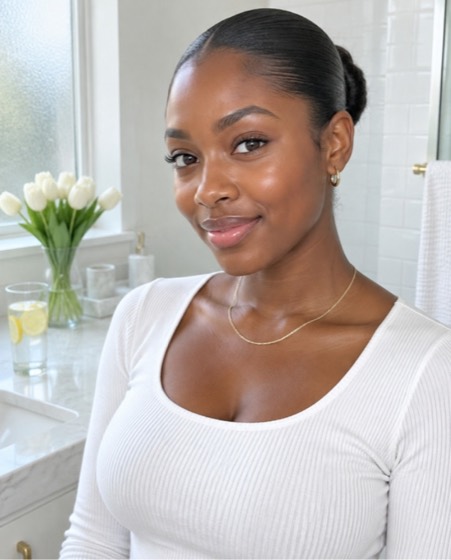
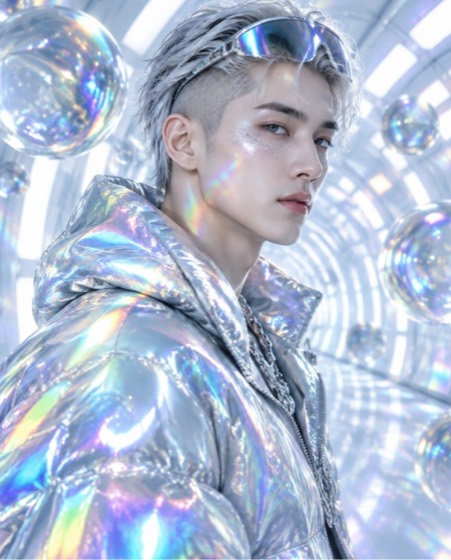
Sample image made with this prompt. Your result depends on your photo and the AI app.
Mocha Brown Aesthetic Portrait AI Photo Prompt
मोका ब्राउन एस्थेटिक पोर्ट्रेट
Create a rich tonal portrait of the person in the uploaded photo styled entirely in a warm mocha-brown palette, the cosy colour mood of the season. Keep the face, skin tone, age and every facial feature exactly as in the photo; do not beautify or slim. Wardrobe: a mocha ribbed turtleneck with a suede jacket in mocha, cocoa and caramel shades, with brushed gold jewellery. Background: a seamless chocolate-brown studio sweep with a soft circular glow behind the head. Grooming warm-toned, a brown lip or natural balm. Pose: a relaxed three-quarter turn, hand lightly at the jaw, calm direct gaze. Lighting: a large soft key with a warm amber gel, subtle caramel rim light separating the hair from the background. Shot on an 85mm lens at f/2, creamy tonal gradation like a fashion campaign. Aspect ratio 4:5.
- mocha mousse
- brown aesthetic
- colour of the year
- tonal outfit
- aesthetic
- warm tones
- fashion portrait
Options you can change
- Outfit: a mocha ribbed turtleneck with a suede jacket, a draped caramel satin shirt, a cocoa knit dress, a chocolate wool blazer over a tan tee
The prompt above uses the default choice. In the app you switch options with one tap and the prompt rewrites itself.
How to use it
- Copy the prompt.
- Open Gemini (Nano Banana) and attach a clear, front-facing photo of yourself.
- Paste the prompt and send.
- Download the result. If the face drifts, reply “keep my face exactly the same”.
New to this? Read how to use AI photo prompts in Gemini.

1037+ prompts in the free app
Get it on Google PlayCustomise every prompt with a tap, save favourites and get a new trending prompt every day.