Home › Prompts › Anime & Art › Pop Art Halftone Portrait
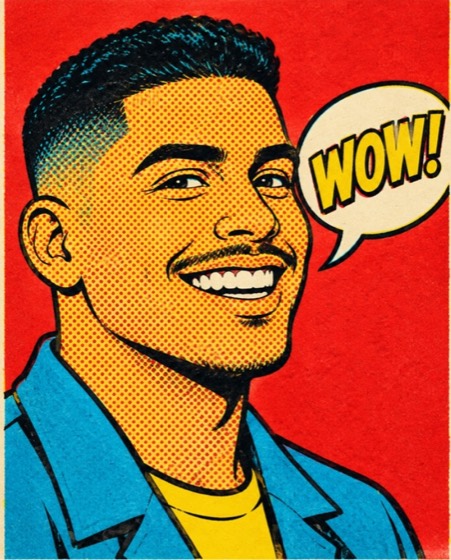
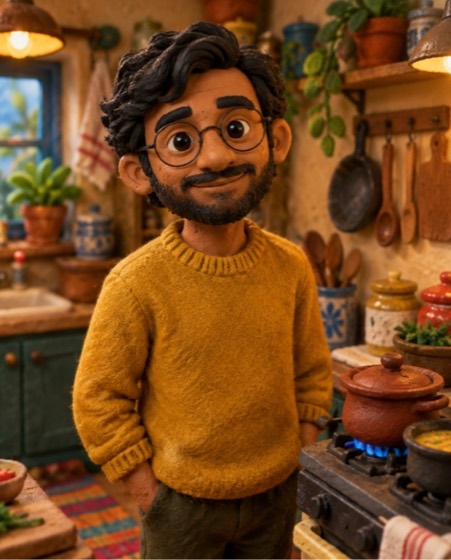
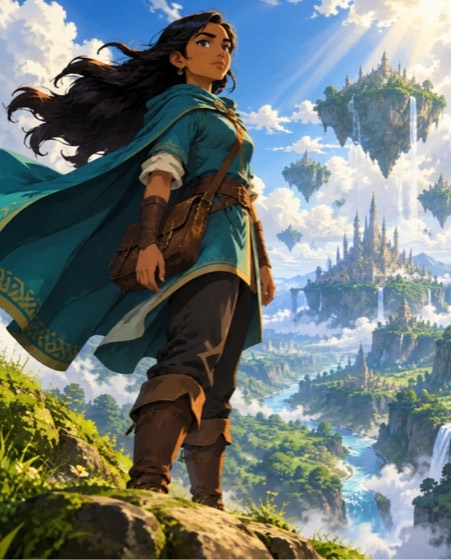
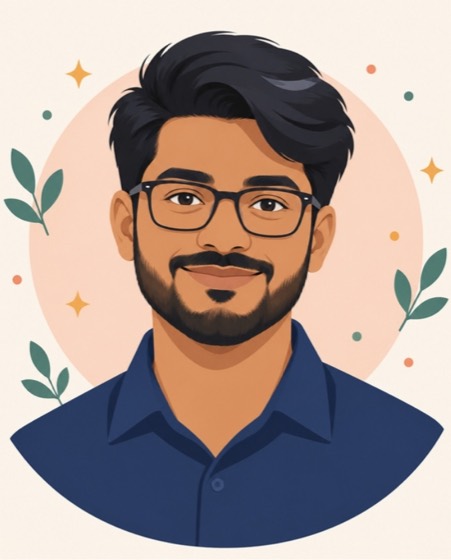
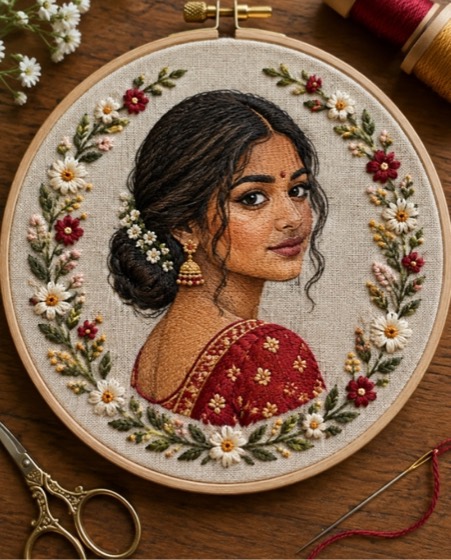
Sample image made with this prompt. Your result depends on your photo and the AI app.
Pop Art Halftone Portrait AI Photo Prompt
पॉप आर्ट हाफ़टोन पोर्ट्रेट
Turn the uploaded photo into a bold 1960s pop-art portrait print. Keep the person clearly recognisable: the same face shape, skin tone, age, hairstyle and expression. Simplify the face into thick black outlines and flat areas of punchy colour, with classic Ben-Day halftone dots shading the skin and background. Use a yellow, red and cyan colour scheme with a contrasting solid background. Add a comic-style speech-bubble shape beside the head containing only one short word like "WOW!". Keep a single large portrait, centred and graphic. Finish with slight screen-print misregistration and ink texture on off-white paper. Aspect ratio 1:1.
- pop art
- halftone
- comic style
- 60s art
- art portrait
- screen print
- retro art
Options you can change
- Colours: yellow, red and cyan, hot pink and turquoise, orange and royal blue, lime and purple
The prompt above uses the default choice. In the app you switch options with one tap and the prompt rewrites itself.
How to use it
- Copy the prompt.
- Open Gemini (Nano Banana) and attach a clear, front-facing photo of yourself.
- Paste the prompt and send.
- Download the result. If the face drifts, reply “keep my face exactly the same”.
New to this? Read how to use AI photo prompts in Gemini.
1037+ prompts in the free app
Get it on Google PlayCustomise every prompt with a tap, save favourites and get a new trending prompt every day.