Home › Prompts › Content Creators › Creator Batching Schedule
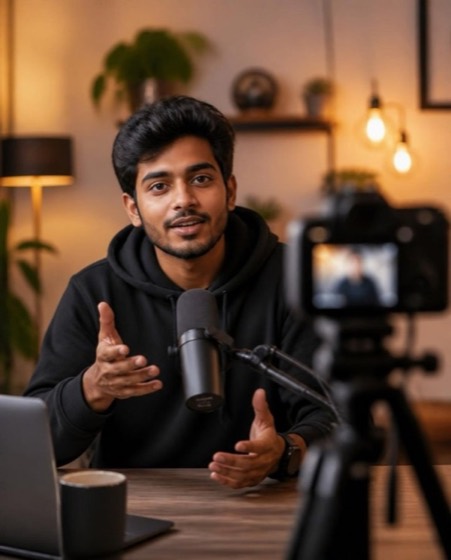
Creator Batching Schedule ChatGPT Prompt
क्रिएटर बैचिंग शेड्यूल
Act as a burnout-aware productivity coach for part-time creators. My situation: [job/college hours, family time, energy levels]. I post: [what and how often on which platforms]. Hours I can give per week: 6-10 hours.

Build me a batching system:
1. A weekly schedule table split into theme days or blocks: ideas, scripting, filming, editing, posting, engagement.
2. One "batch day" plan that produces 1 week of content in one sitting, step by step with time boxes.
3. A content backlog system (simple Notion or Google Sheets columns).
4. A minimum viable week plan for busy or sick weeks.
5. Rules to protect rest: no-post days, a monthly break week idea, and warning signs of burnout.

Keep it realistic, never suggest cutting sleep, and keep tools free.
- content batching
- creator schedule
- burnout
- time management
- content system
- part time creator
Options you can change
- Hours per week: 3-5 hours, 6-10 hours, 11-20 hours
The prompt above uses the default choice. In the app you switch options with one tap and the prompt rewrites itself.
How to use it
- Copy the prompt.
- Open ChatGPT or Gemini and paste it.
- Replace anything in [square brackets] with your own details, then send.
- Ask for changes: "shorter", "more formal", "in Hindi".

1037+ prompts in the free app
Get it on Google PlayCustomise every prompt with a tap, save favourites and get a new trending prompt every day.
More Content Creators prompts
2026 Creator Year Review2026 क्रिएटर सालाना रिव्यूChristmas & New Year Video Ideasक्रिसमस और न्यू ईयर वीडियो आइडियाYouTube Video Scriptयूट्यूब वीडियो स्क्रिप्टThumbnail Concepts & Image Promptsथंबनेल कॉन्सेप्ट और इमेज प्रॉम्प्टZero-Budget Creator Startज़ीरो बजट क्रिएटर शुरुआतTitles & Thumbnail Textटाइटल और थंबनेल टेक्स्टFaceless Channel Starter Planफेसलेस चैनल प्लानYouTube Shorts Scriptयूट्यूब शॉर्ट्स स्क्रिप्ट