Home › Prompts › Professional › Software Engineer Dual Monitor Setup
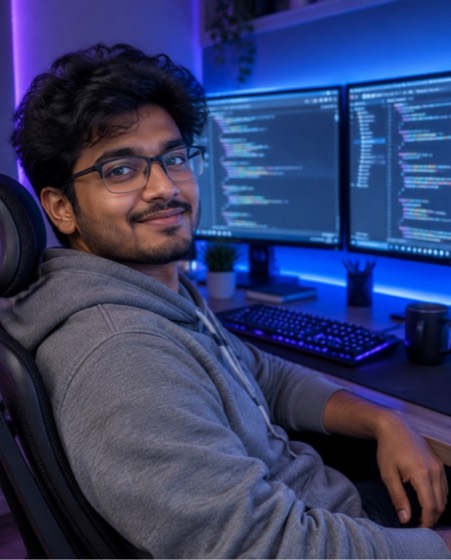
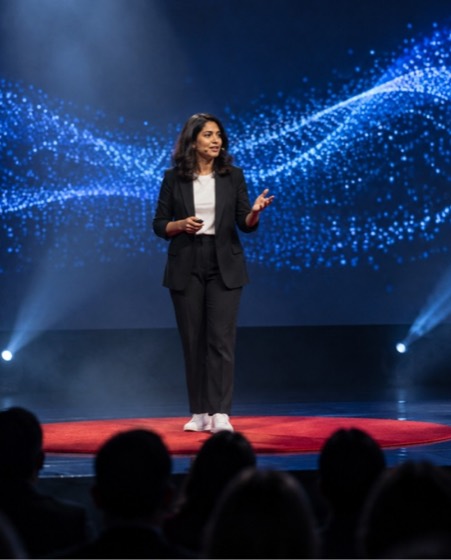
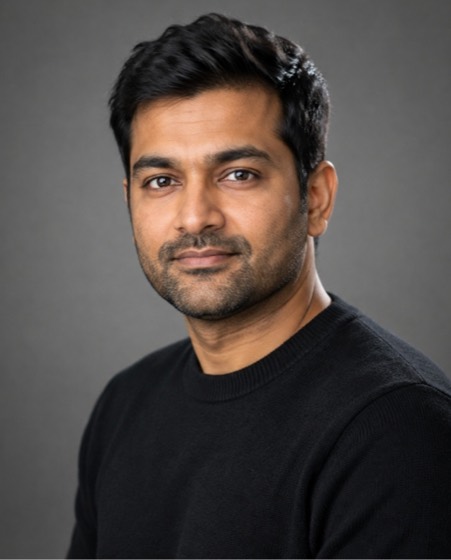
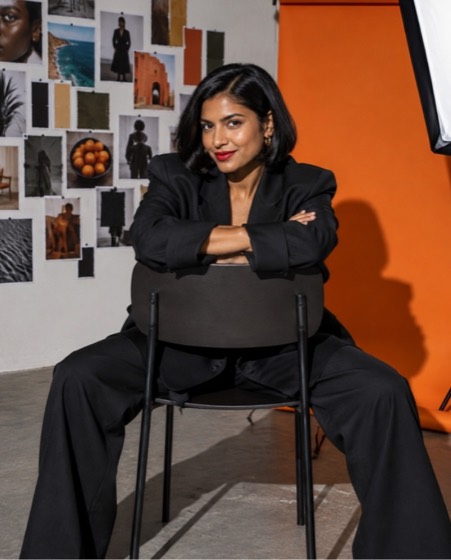
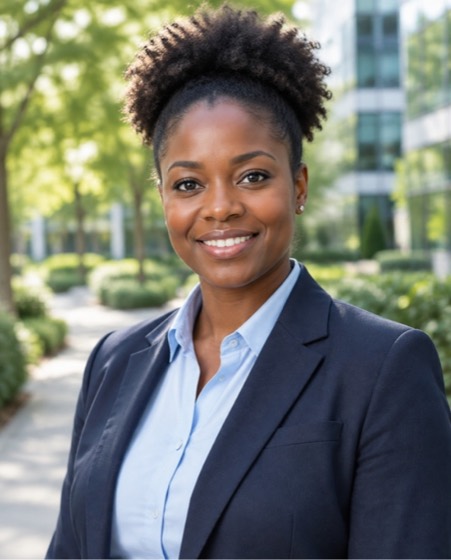
Sample image made with this prompt. Your result depends on your photo and the AI app.
Software Engineer Dual Monitor Setup AI Photo Prompt
सॉफ्टवेयर इंजीनियर डेस्क सेटअप
Turn the uploaded photo into a cool software-engineer desk portrait with a dual-monitor setup. Keep the face, skin tone, age and every facial feature exactly as in the photo; do not beautify or slim. The person sits in an ergonomic chair, swivelled toward the camera with a relaxed grin, one arm on the desk beside a mechanical keyboard and a coffee mug. Two large monitors behind them glow with blurred, unreadable code and a dark-mode dashboard; no logos. Outfit: grey hoodie. The room is lit by purple and blue LED strip lights plus the monitors' cool glow as rim light, a soft key lamp on the face. 35mm at f/1.8, monitors in gentle bokeh, modern tech-creator grade with lifted blacks. Aspect ratio 4:5.
- software engineer
- developer
- coder
- it job
- desk setup
- programmer
- tech
Options you can change
- Outfit: grey hoodie, black tee and overshirt, plaid flannel shirt, crew-neck sweatshirt
- Ambience: purple and blue LED strip lights, warm evening desk lamp and plants, bright daylight from a big window
The prompt above uses the default choice. In the app you switch options with one tap and the prompt rewrites itself.
How to use it
- Copy the prompt.
- Open Gemini (Nano Banana) and attach a clear, front-facing photo of yourself.
- Paste the prompt and send.
- Download the result. If the face drifts, reply “keep my face exactly the same”.
New to this? Read how to use AI photo prompts in Gemini.
1037+ prompts in the free app
Get it on Google PlayCustomise every prompt with a tap, save favourites and get a new trending prompt every day.