Home › Prompts › Saree & Ethnic › Phulkari Dupatta Punjabi Look
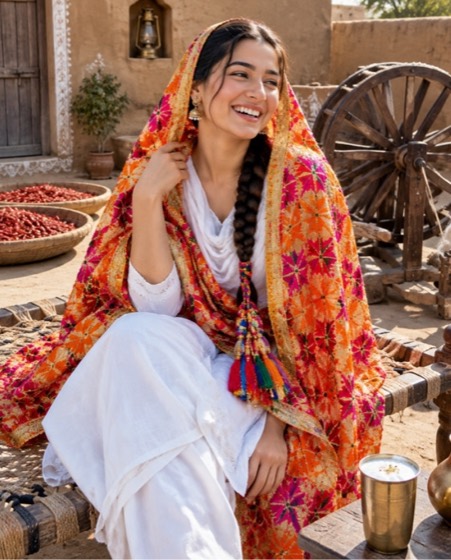
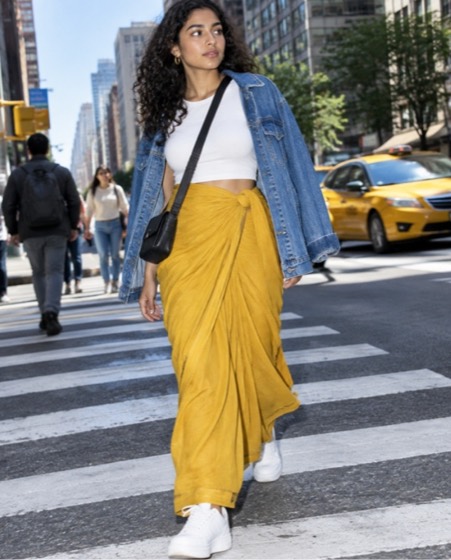
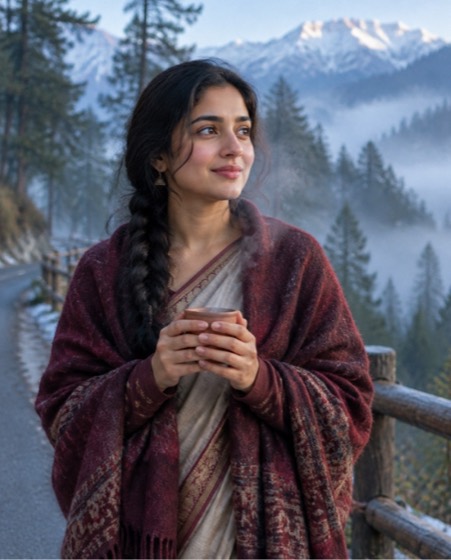
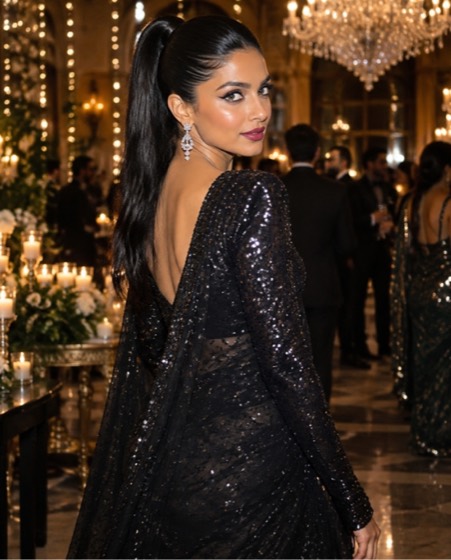
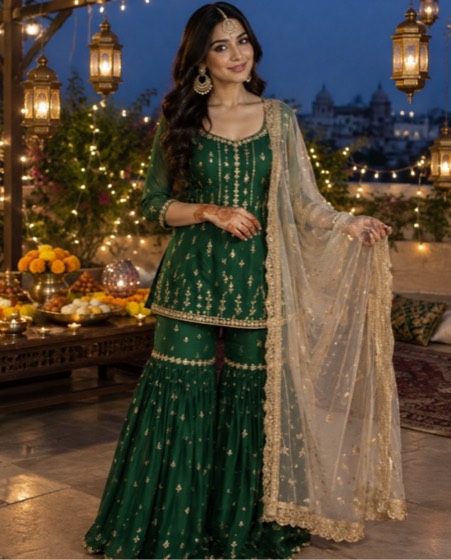
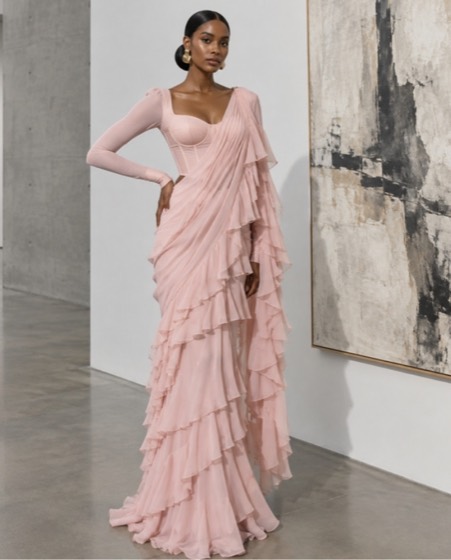
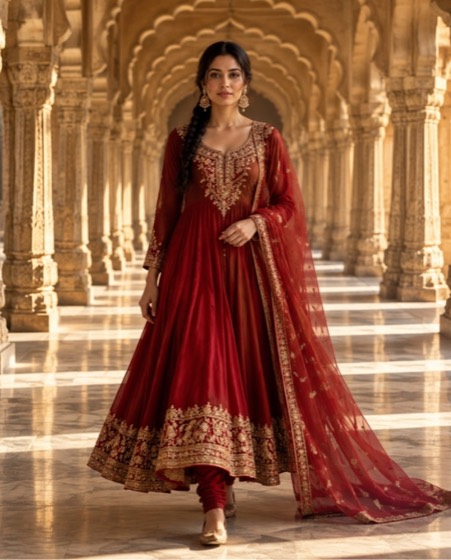
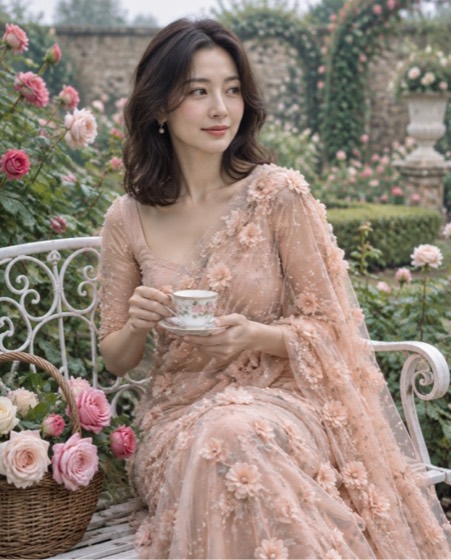
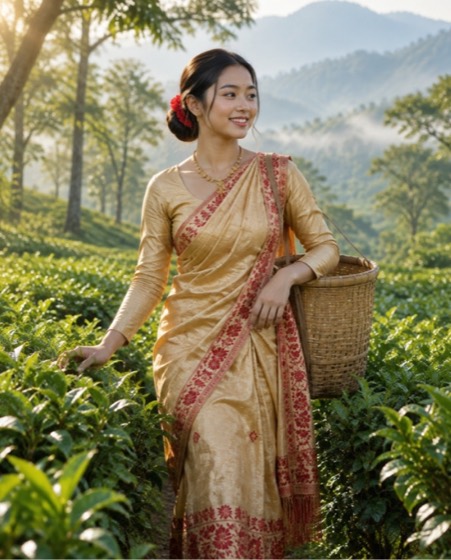
Sample image made with this prompt. Your result depends on your photo and the AI app.
Phulkari Dupatta Punjabi Look AI Photo Prompt
फुलकारी दुपट्टा पंजाबी लुक
Using the person in the uploaded photo, create a warm Punjabi village courtyard portrait with a hand-embroidered phulkari dupatta. Keep the face, skin tone, age and every facial feature exactly as in the photo; do not beautify or slim. She wears a white cotton salwar suit with a heavy phulkari dupatta in bright silk-thread geometric flowers draped over her head and shoulders, a paranda in her braid, gold jhumkas and a stack of glass bangles. She sits on a woven charpai beside an old wooden spinning wheel, laughing mid-conversation, a brass glass of lassi on a stool. Mud-plastered walls, drying red chillies, bright winter sun across the courtyard. 50mm lens at f/2.2, eye level, vivid warm colour grade, crisp embroidery texture. Aspect ratio 4:5.
- phulkari dupatta
- punjabi suit
- punjabi look
- phulkari
- paranda
- pind vibes
- salwar suit
Options you can change
- Suit colour: white, mustard yellow, pink, sky blue, black
The prompt above uses the default choice. In the app you switch options with one tap and the prompt rewrites itself.
How to use it
- Copy the prompt.
- Open Gemini (Nano Banana) and attach a clear, front-facing photo of yourself.
- Paste the prompt and send.
- Download the result. If the face drifts, reply “keep my face exactly the same”.
New to this? Read how to use AI photo prompts in Gemini.

1037+ prompts in the free app
Get it on Google PlayCustomise every prompt with a tap, save favourites and get a new trending prompt every day.