Home › Prompts › Trending › Ink Sketch To Watercolour Split
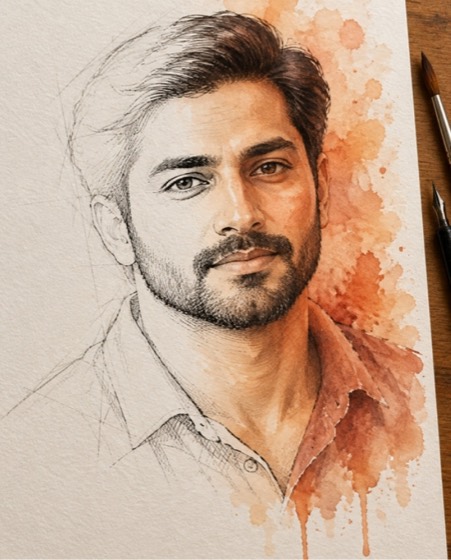
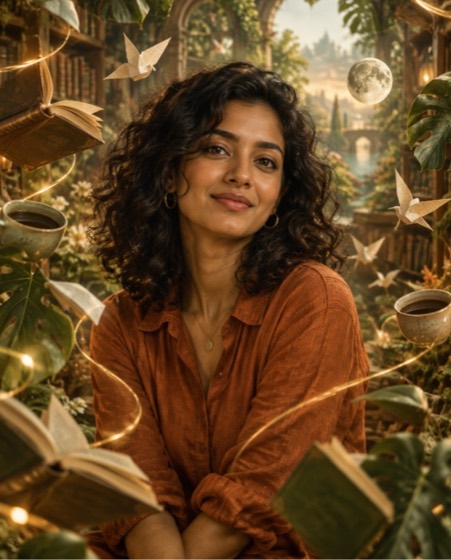
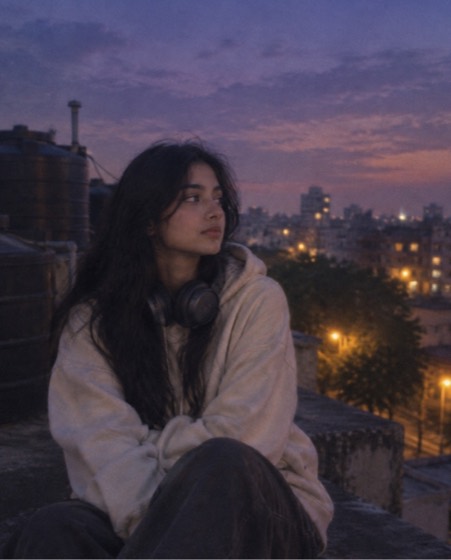
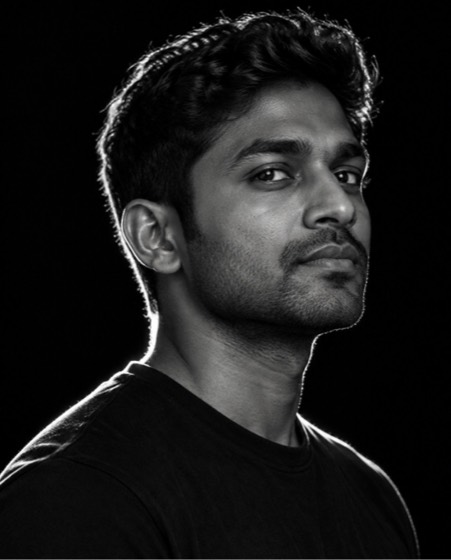
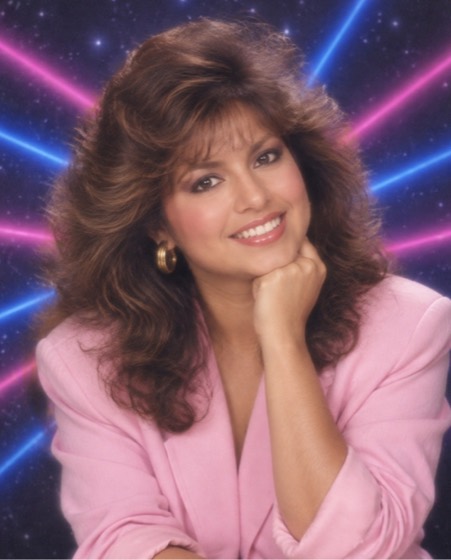
Sample image made with this prompt. Your result depends on your photo and the AI app.
Ink Sketch To Watercolour Split AI Photo Prompt
इंक स्केच से वॉटरकलर तक
Turn the uploaded photo into a single portrait that evolves across the paper from left to right: starting as loose pencil construction lines, becoming a confident black ink line sketch, and finishing as a full, glowing watercolour in warm peach and terracotta tones. Keep the face, skin tone, age and every facial feature exactly as in the photo; do not beautify or slim. The transition is seamless across the face, so you can see the artist's process in one image. Cold-press paper texture, pigment blooms, soft paint drips at the bottom, a brush and an ink pen resting at the edge of the sheet on a wooden desk. Aspect ratio 4:5.
- sketch to watercolour
- art progression
- ink drawing
- watercolour portrait
- artistic edit
- drawing trend
Options you can change
- Watercolour palette: warm peach and terracotta, cool blues and teal, spring greens and pink, sunset gold and violet
The prompt above uses the default choice. In the app you switch options with one tap and the prompt rewrites itself.
How to use it
- Copy the prompt.
- Open Gemini (Nano Banana) and attach a clear, front-facing photo of yourself.
- Paste the prompt and send.
- Download the result. If the face drifts, reply “keep my face exactly the same”.
New to this? Read how to use AI photo prompts in Gemini.

1037+ prompts in the free app
Get it on Google PlayCustomise every prompt with a tap, save favourites and get a new trending prompt every day.