Home › Prompts › Photo to Video › Wedding Varmala in Slow Motion
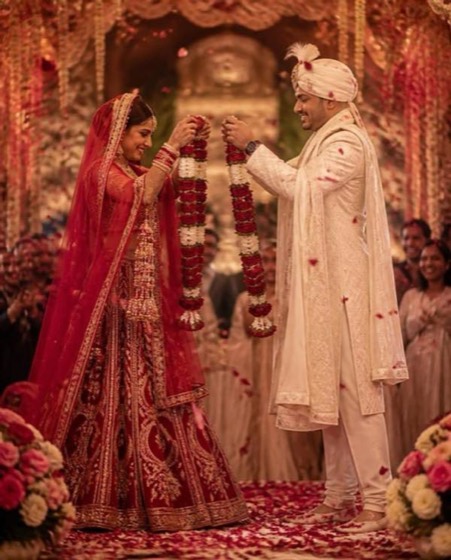
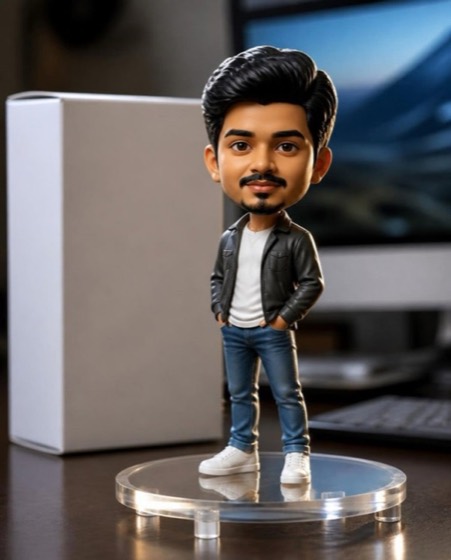
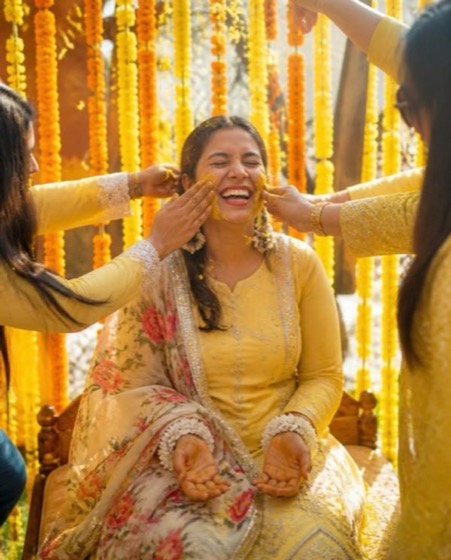
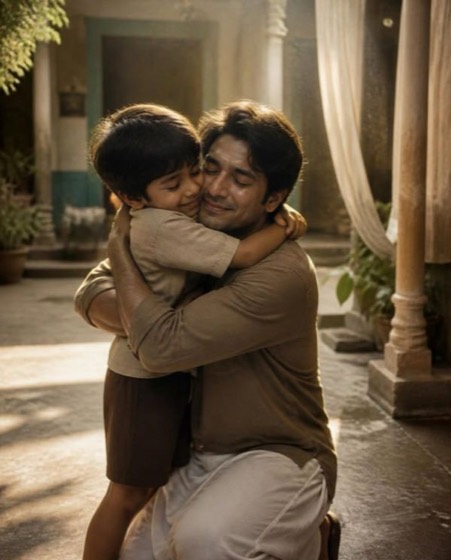
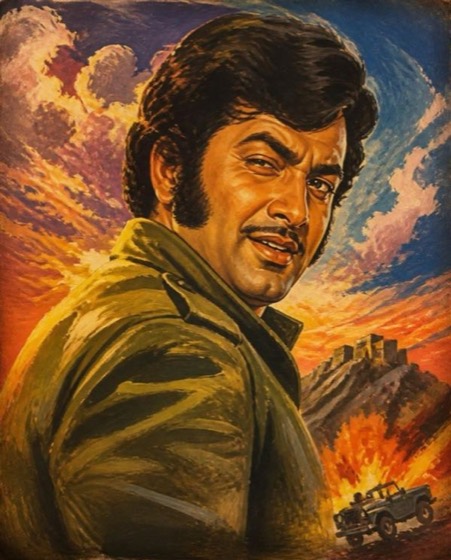
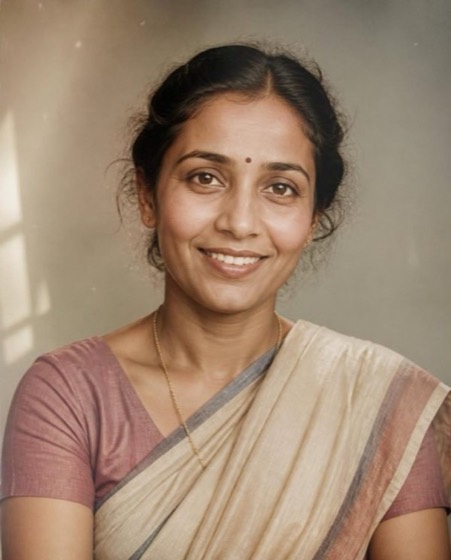
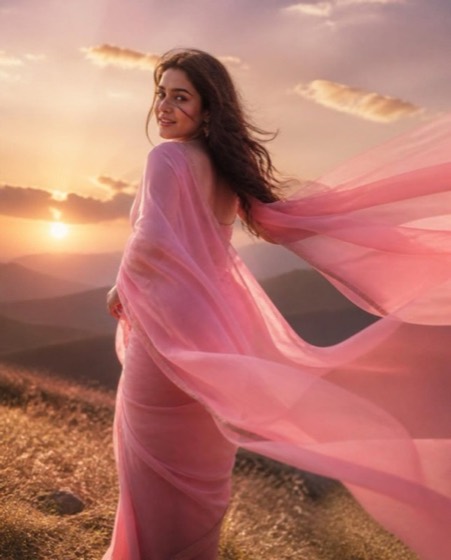
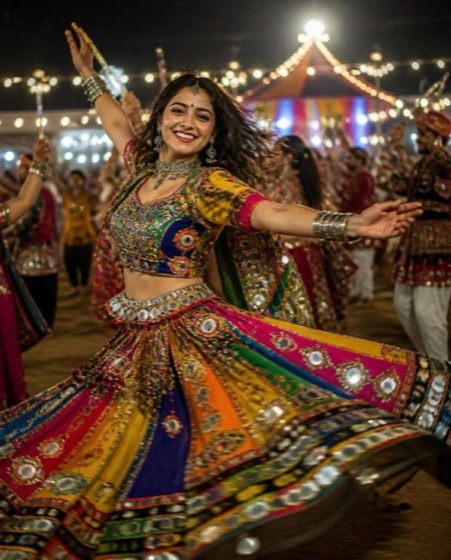
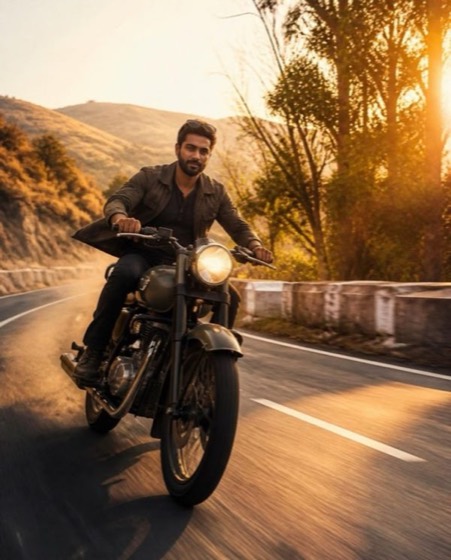
Sample image made with this prompt. Your result depends on your photo and the AI app.
Wedding Varmala in Slow Motion AI Video Prompt
वरमाला का स्लो-मोशन पल
Turn the uploaded couple photo into a cinematic 8-second varmala sequence; both faces must remain exactly as in the original image, with no change to features, skin tone or proportions. The bride in a bridal red lehenga and the groom in an ivory sherwani stand on a flower-decked stage, raising heavy …
This is a premium prompt. In the PromptLens app it unlocks free for 24 hours after one short ad, with every option ready to pick.
- wedding
- shaadi
- varmala
- jaimala
- dulhan
- couple
- slow motion
- video
Options you can change
- Lehenga colour: bridal red, blush pink, wine maroon, ivory gold, peach
The prompt above uses the default choice. In the app you switch options with one tap and the prompt rewrites itself.
How to use it
- Copy the prompt.
- Open Gemini (Veo) or another photo-to-video app and attach a clear, front-facing photo of yourself.
- Paste the prompt and send.
- Download the result. If the face drifts, reply “keep my face exactly the same”.
New to this? Read how to use AI photo prompts in Gemini.

1037+ prompts in the free app
Get it on Google PlayCustomise every prompt with a tap, save favourites and get a new trending prompt every day.