Home › Prompts › Wedding › Save the Date Portrait
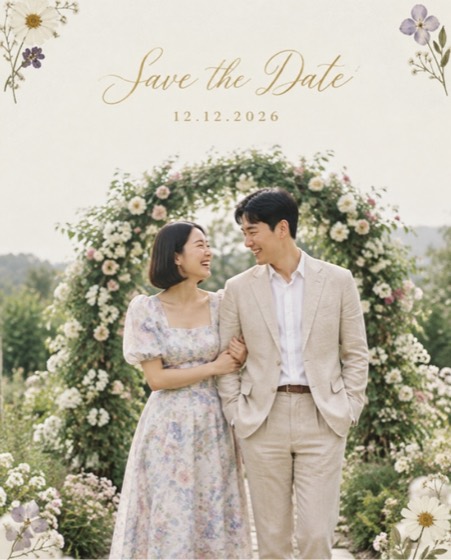
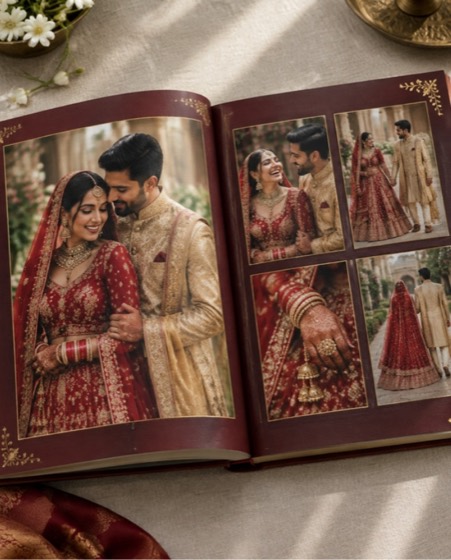
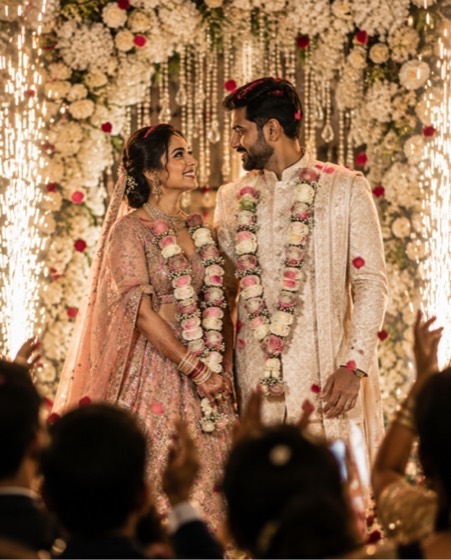
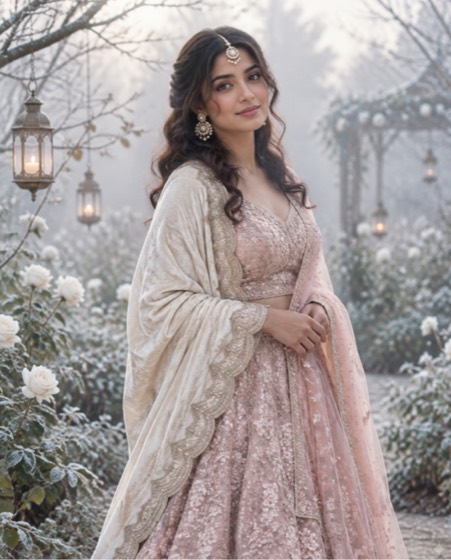
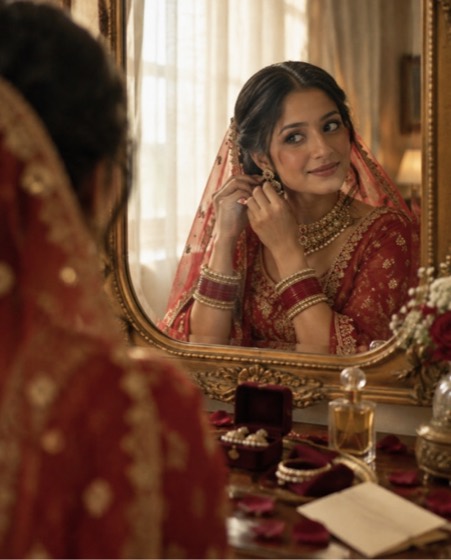
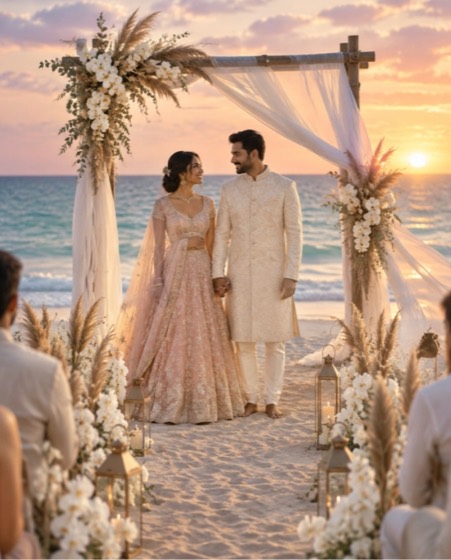
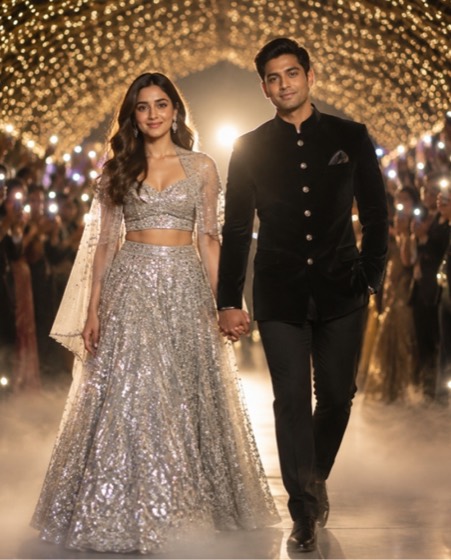
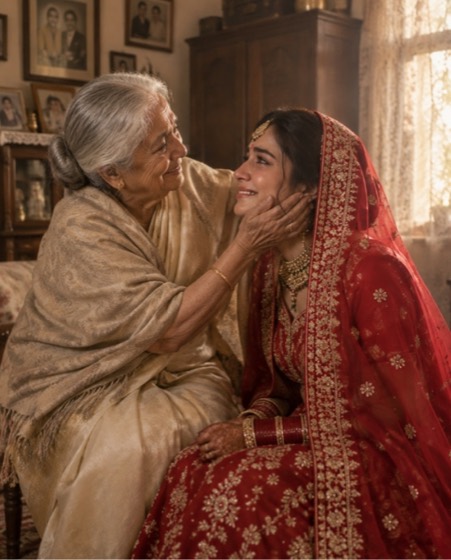
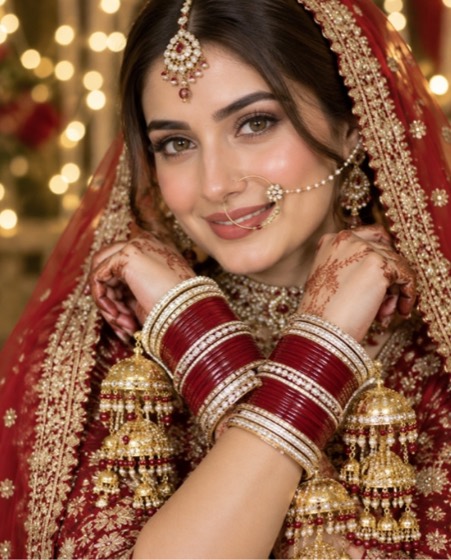
Sample image made with this prompt. Your result depends on your photo and the AI app.
Save the Date Portrait AI Photo Prompt
सेव द डेट पोर्ट्रेट
Design an elegant save-the-date announcement featuring the couple in the uploaded photo. Keep both faces, skin tones, ages and every facial feature exactly as in the photo; do not slim or beautify. They stand close and laugh together in front of a blooming garden arch in soft natural light, she in a pastel floral outfit, he in a …
This is a premium prompt. In the PromptLens app it unlocks free for 24 hours after one short ad, with every option ready to pick.
- save the date
- wedding invite
- pre wedding
- wedding announcement
- shaadi card
- couple portrait
- engagement
Options you can change
- Backdrop: blooming garden arch, city rooftop at dusk, misty hill view, old haveli doorway
- Wedding date: 12.12.2026, 20.01.2027, 14.02.2027, 05.03.2027
The prompt above uses the default choice. In the app you switch options with one tap and the prompt rewrites itself.
How to use it
- Copy the prompt.
- Open Gemini (Nano Banana) and attach a clear, front-facing photo of yourself.
- Paste the prompt and send.
- Download the result. If the face drifts, reply “keep my face exactly the same”.
New to this? Read how to use AI photo prompts in Gemini.

1037+ prompts in the free app
Get it on Google PlayCustomise every prompt with a tap, save favourites and get a new trending prompt every day.