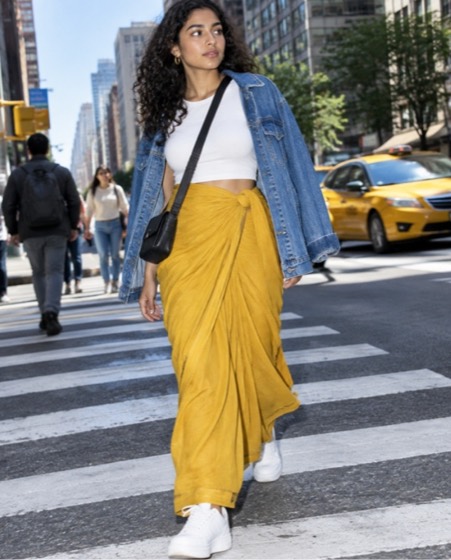
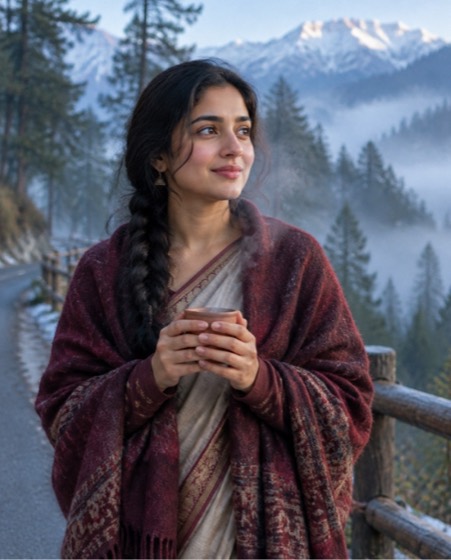
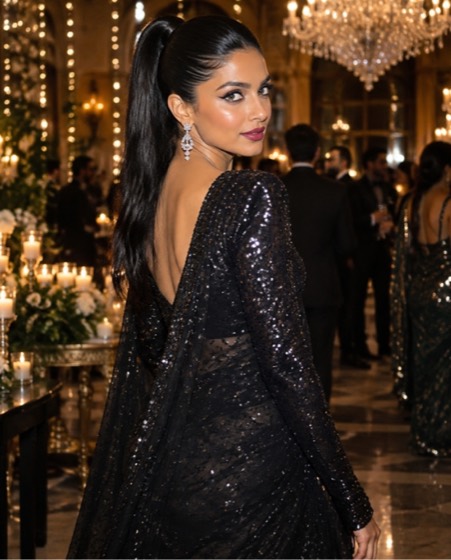
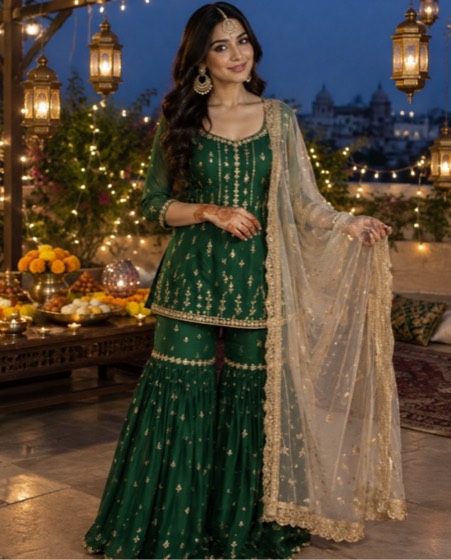
Home › Prompts › Saree & Ethnic › Paithani Peacock Pallu Spread
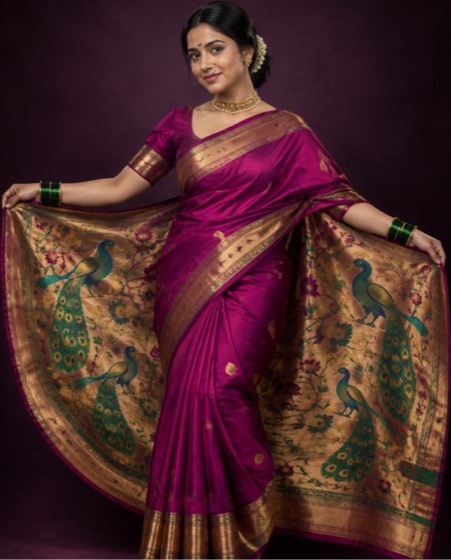
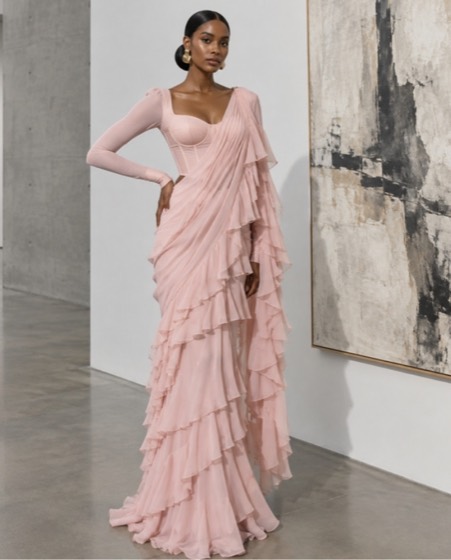
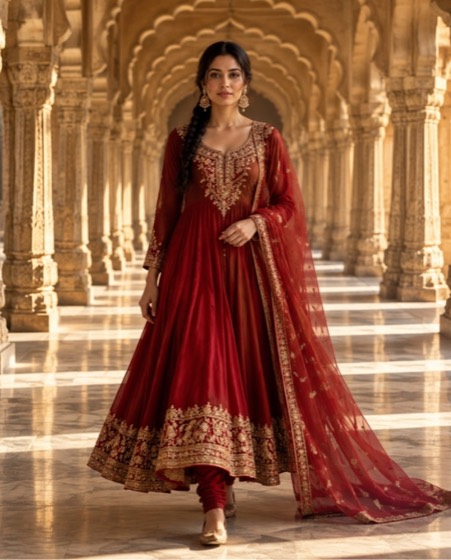
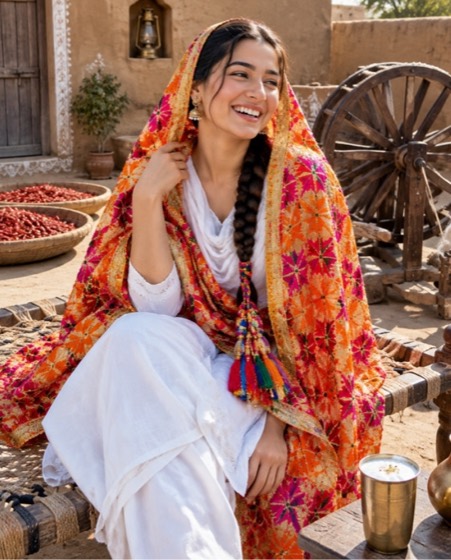
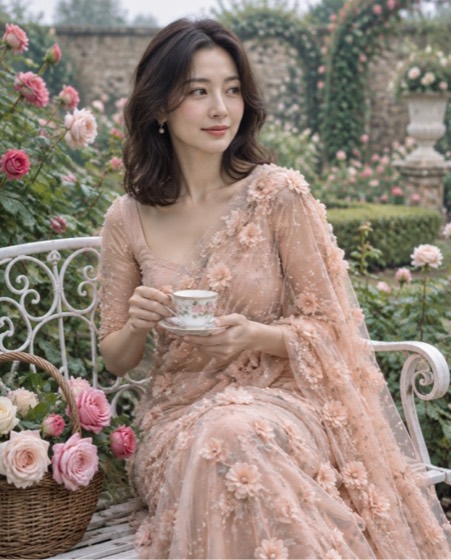
Sample image made with this prompt. Your result depends on your photo and the AI app.
Paithani Peacock Pallu Spread AI Photo Prompt
पैठणी मोर पल्लू पोज़
Create a regal studio portrait from the uploaded photo that shows off a Paithani peacock border. Keep the face, skin tone, age and every facial feature exactly as in the photo; do not beautify or slim. She wears a magenta Paithani silk saree in the Maharashtrian nauvari-inspired drape, holding the heavy pallu open wide with both arms like a fan so the woven gold-and-green peacock motifs fill the frame around her. Pearl nath, layered gold thushi choker, green glass bangles and a crescent bindi. Plain deep jewel-toned backdrop with a soft vignette, a single strong key light from the left with a gentle fill for a painterly feel. Shot straight on with a 50mm lens at f/4 so the weave stays tack sharp, saturated jewel colours, rich silk sheen. Aspect ratio 4:5.
- paithani saree
- peacock saree
- marathi look
- nauvari
- maharashtrian saree
- nath
- paithani
Options you can change
- Saree colour: magenta, purple, parrot green, royal blue, orange
The prompt above uses the default choice. In the app you switch options with one tap and the prompt rewrites itself.
How to use it
- Copy the prompt.
- Open Gemini (Nano Banana) and attach a clear, front-facing photo of yourself.
- Paste the prompt and send.
- Download the result. If the face drifts, reply “keep my face exactly the same”.
New to this? Read how to use AI photo prompts in Gemini.

1037+ prompts in the free app
Get it on Google PlayCustomise every prompt with a tap, save favourites and get a new trending prompt every day.