Home › Prompts › Photo to Video › Diwali Diya and Sparkler Glow
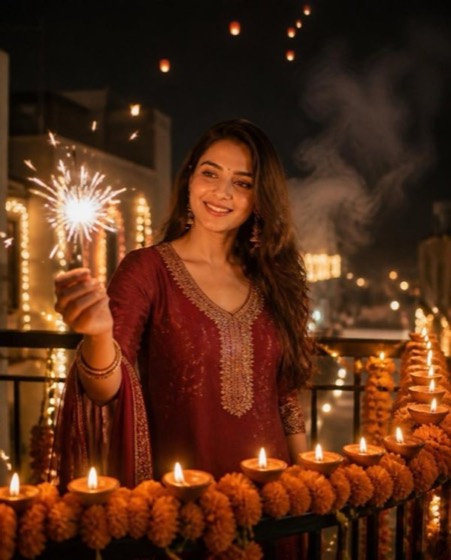
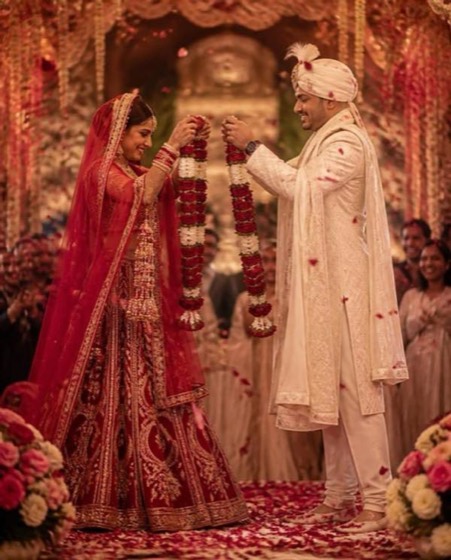
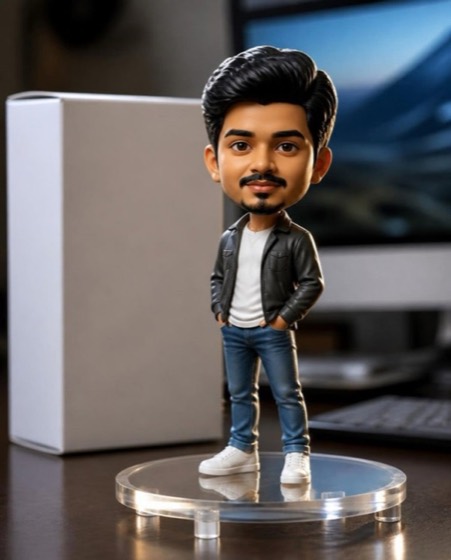
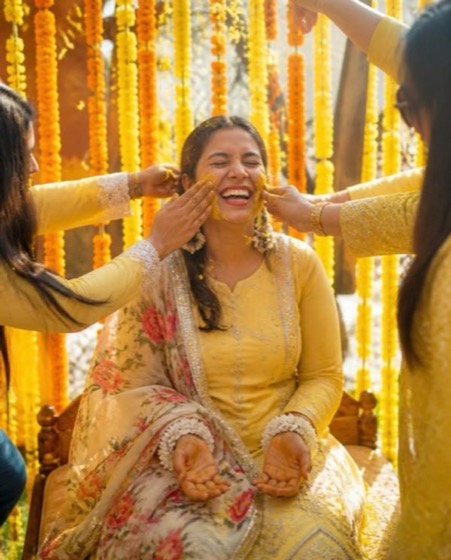
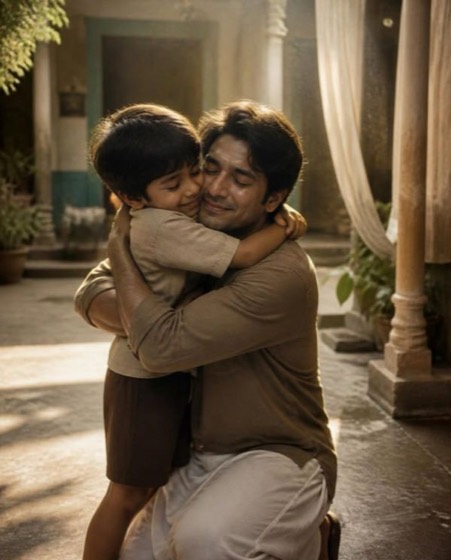
Sample image made with this prompt. Your result depends on your photo and the AI app.
Diwali Diya and Sparkler Glow AI Video Prompt
दिवाली दीया और फुलझड़ी
Animate the uploaded photo into a 6-second Diwali clip, keeping the person's face, skin tone and identity completely unchanged in every frame. They wear a maroon festive outfit and lean forward to light a row of clay diyas on a marigold-lined balcony; each flame catches one after another. At second three they lift a handheld phuljhadi, and golden sparks fizz and drift in slow motion while a warm smile spreads naturally. Camera: gentle push-in from waist level, 35mm look, shallow depth of field. Ambient motion: fairy lights twinkling in soft bokeh, faint smoke curling, distant sky lanterns rising. Warm amber grade, joyful, cosy mood. Aspect ratio 9:16, smooth 24fps motion, no flicker.
- diwali
- deepawali
- diya
- phuljhadi
- sparkler
- video
- festival
- reels
Options you can change
- Outfit colour: maroon, emerald green, royal blue, mustard yellow, magenta pink
The prompt above uses the default choice. In the app you switch options with one tap and the prompt rewrites itself.
How to use it
- Copy the prompt.
- Open Gemini (Veo) or another photo-to-video app and attach a clear, front-facing photo of yourself.
- Paste the prompt and send.
- Download the result. If the face drifts, reply “keep my face exactly the same”.
New to this? Read how to use AI photo prompts in Gemini.

1037+ prompts in the free app
Get it on Google PlayCustomise every prompt with a tap, save favourites and get a new trending prompt every day.