Home › Prompts › Wedding › Royal Sherwani Groom Portrait
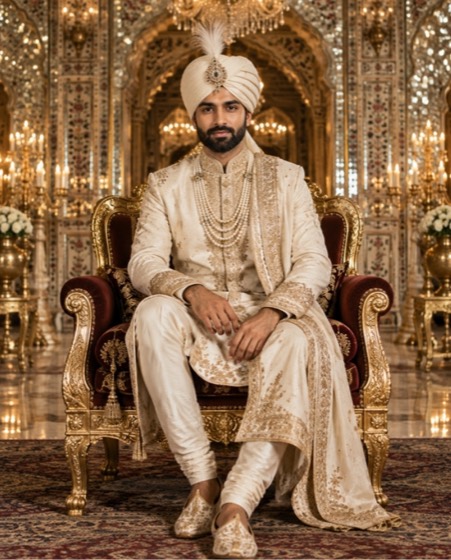
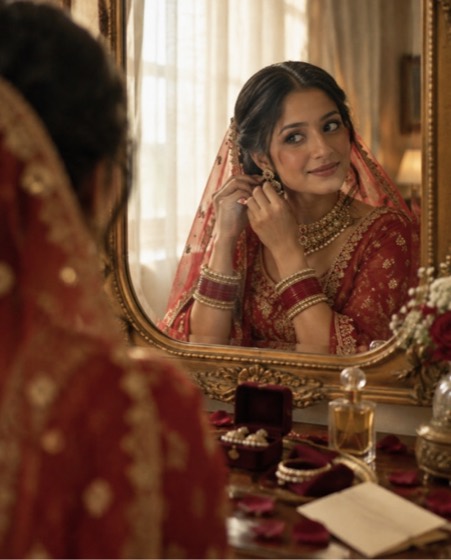
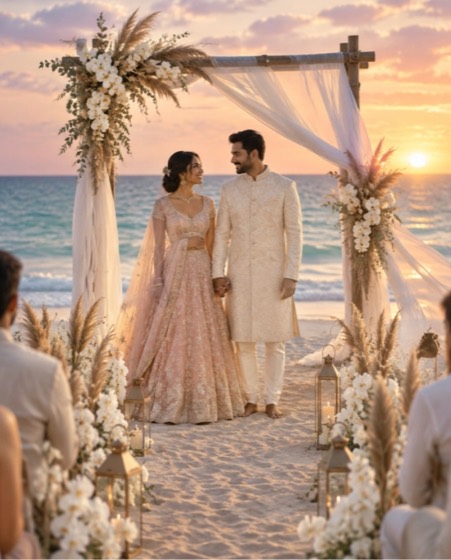
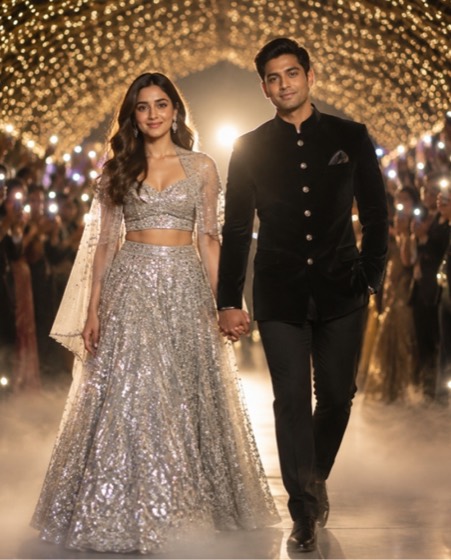
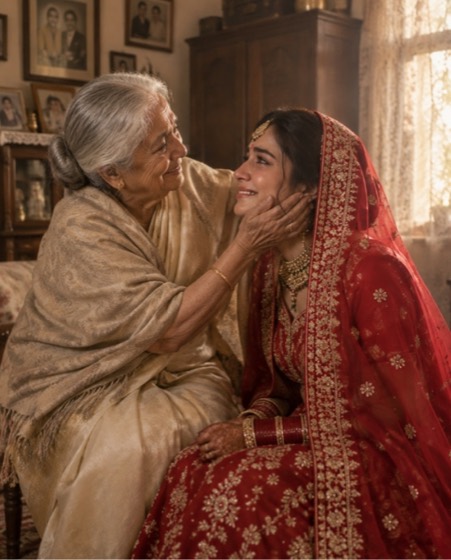
Sample image made with this prompt. Your result depends on your photo and the AI app.
Royal Sherwani Groom Portrait AI Photo Prompt
शाही शेरवानी दूल्हा पोर्ट्रेट
Using the man in the uploaded photo, create a regal groom portrait inside a palace durbar hall. Keep his face, beard, hairline, skin tone, age and every feature exactly as photographed; no slimming or beautifying. He wears a ivory and gold sherwani with heavy zardozi on the collar and cuffs, a matching safa with a jewelled kalgi brooch, layered pearl malas and embroidered juttis. He sits upright on a carved gilded chair with velvet cushions, one hand resting on the armrest, a calm and proud expression. Behind him: mirror-work walls, crystal chandeliers and arched doorways fading into soft depth. 70mm lens at f/2.2, symmetrical eye-level composition, warm side light with candle glow, rich royal grade with deep shadows and gold highlights. Aspect ratio 4:5.
- sherwani
- groom look
- dulha
- royal groom
- groom portrait
- wedding sherwani
- safa
Options you can change
- Sherwani colour: ivory and gold, emerald, maroon, midnight blue
The prompt above uses the default choice. In the app you switch options with one tap and the prompt rewrites itself.
How to use it
- Copy the prompt.
- Open Gemini (Nano Banana) and attach a clear, front-facing photo of yourself.
- Paste the prompt and send.
- Download the result. If the face drifts, reply “keep my face exactly the same”.
New to this? Read how to use AI photo prompts in Gemini.

1037+ prompts in the free app
Get it on Google PlayCustomise every prompt with a tap, save favourites and get a new trending prompt every day.