Home › Prompts › Wedding › South Indian Kanjeevaram Bride
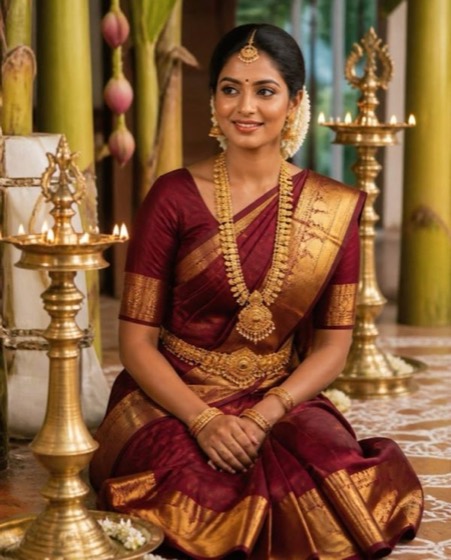
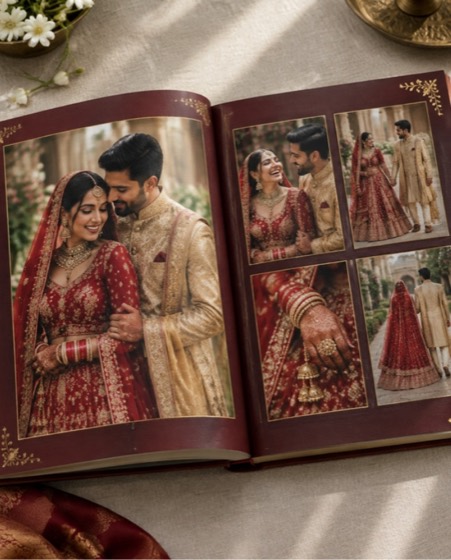
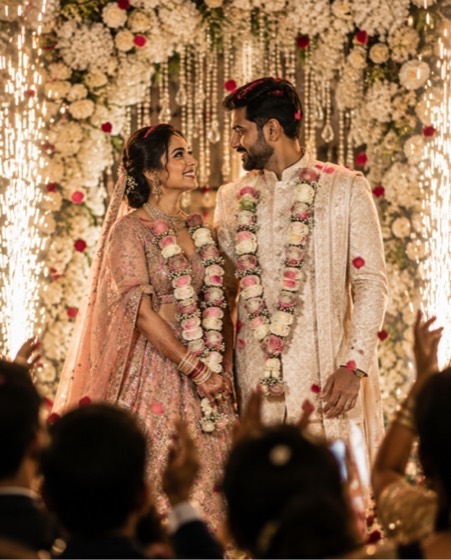
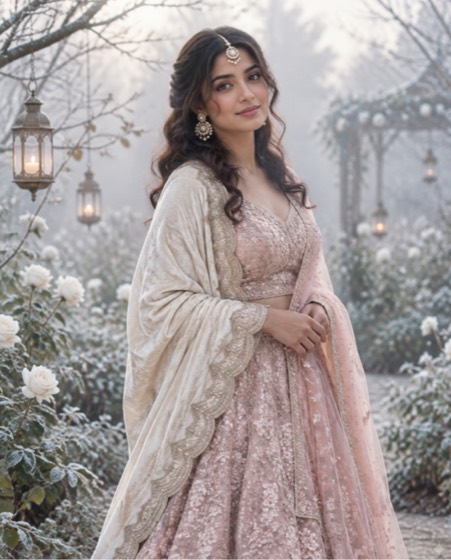
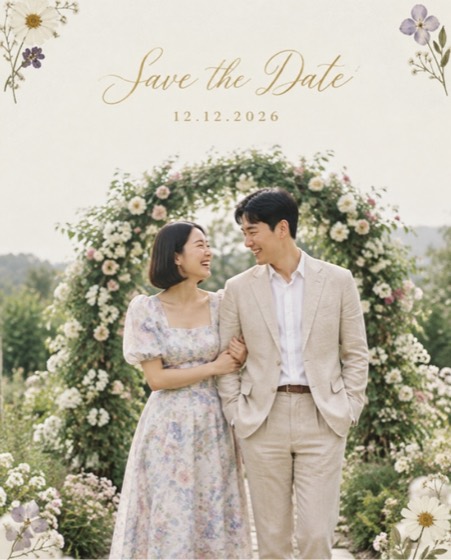
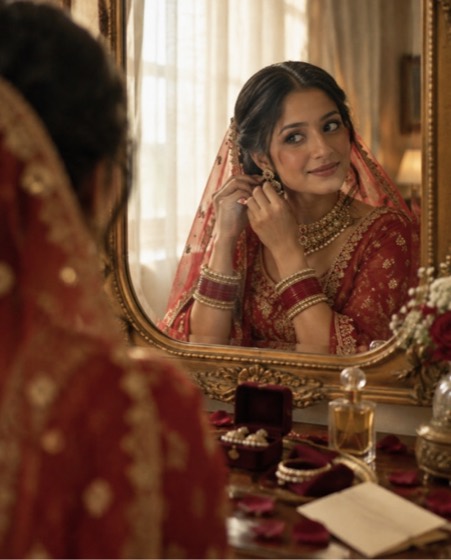
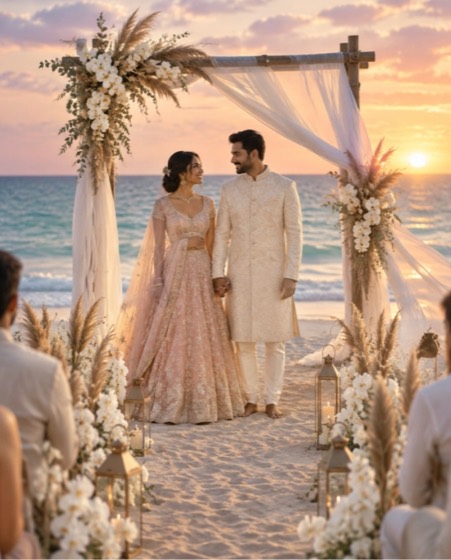
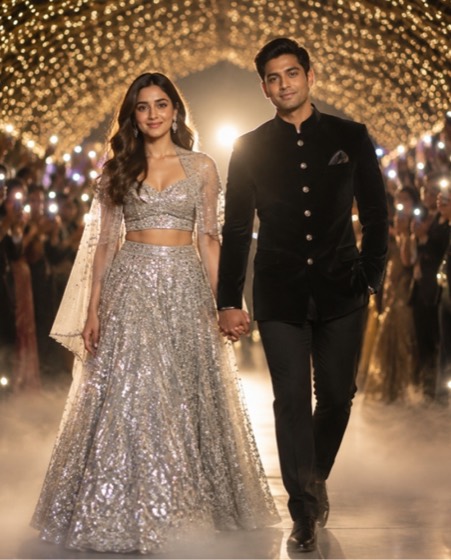
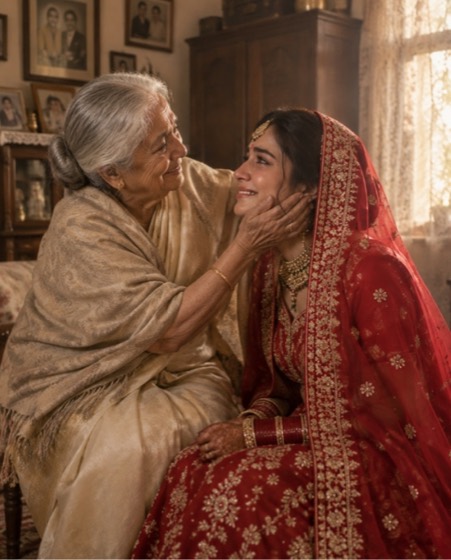
Sample image made with this prompt. Your result depends on your photo and the AI app.
South Indian Kanjeevaram Bride AI Photo Prompt
दक्षिण भारतीय कांजीवरम दुल्हन
Render the person in the upload as a South Indian bride — preserve her face, her natural skin tone exactly as it is, and every natural feature. She wears a deep maroon kanjeevaram silk saree with broad temple-motif gold border, …
This is a premium prompt. In the PromptLens app it unlocks free for 24 hours after one short ad, with every option ready to pick.
- south indian bride
- kanjeevaram
- kanchipuram
- temple jewellery
- wedding
- tamil
- telugu
- kalyanam
Options you can change
- Silk colour: mango yellow with magenta, deep maroon, peacock blue, parrot green, temple red
The prompt above uses the default choice. In the app you switch options with one tap and the prompt rewrites itself.
How to use it
- Copy the prompt.
- Open Gemini (Nano Banana) and attach a clear, front-facing photo of yourself.
- Paste the prompt and send.
- Download the result. If the face drifts, reply “keep my face exactly the same”.
New to this? Read how to use AI photo prompts in Gemini.

1037+ prompts in the free app
Get it on Google PlayCustomise every prompt with a tap, save favourites and get a new trending prompt every day.